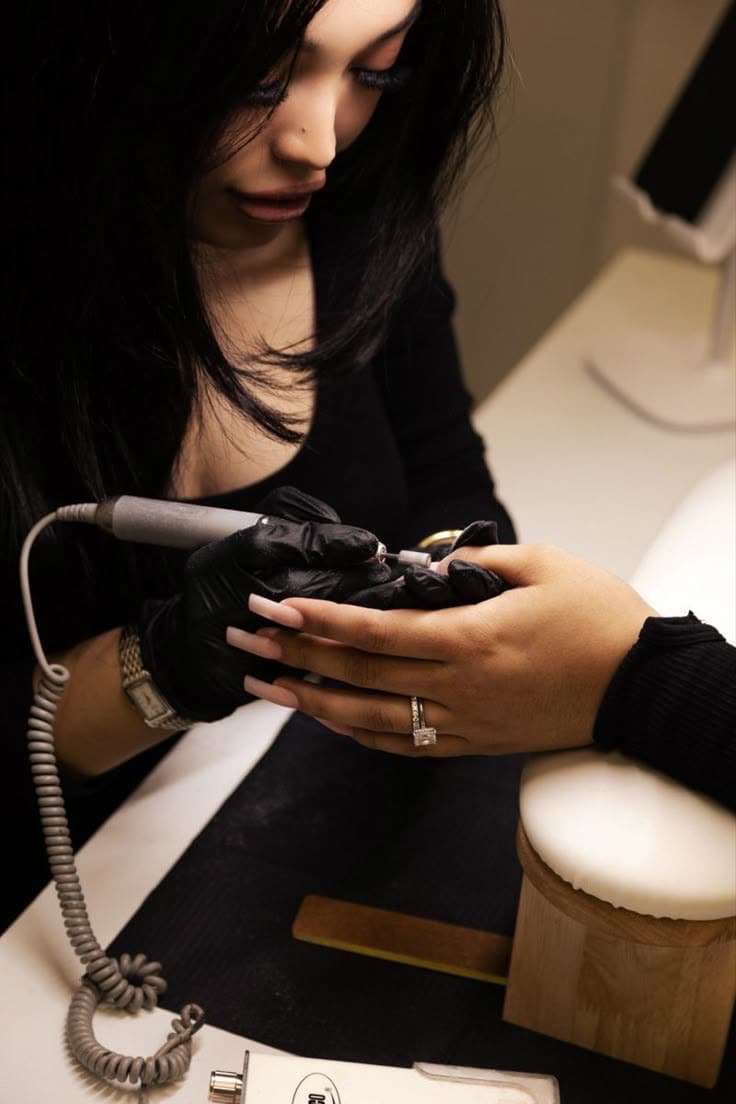
A salon waiting list is only useful if it runs by itself. A list on your phone or a group chat means you have to start messaging at every cancellation, usually while you're with a client. In Avana, clients join from your booking page or the widget on your website as soon as a day is full. When someone cancels, the people waiting get an email with a button to book the free time, and you only notice once the new name is in your calendar.
The waitlist is one link in how Avana fights empty chairs. Clear cancellation rules mean you hear in time, and a reminder two days ahead lets people who can't make it cancel earlier. Whoever books the free slot pays a deposit if you ask for one. And if someone still doesn't come, no-show protection covers the rest.
If you work with fixed start times or with other people in your salon, the waitlist adapts: it only offers your own start times, and clients can wait for one particular team member. Your reports show how often people cancel at short notice. The waitlist is in Business Plus and Business Max; prices are on the pricing page.
What is a salon waitlist, and who is it for?
A waitlist is a list of clients who'd like to come on a day that's already full, so that when someone cancels you already have someone for the empty slot. It works best for salons that fill up and get the occasional cancellation: a hairdresser with a packed Saturday, a nail tech whose regulars come every three weeks, a lash artist whose evenings always go first. Without one, a cancellation is an hour you won't sell, or a string of messages to clients who might be free.
In Avana clients join the waitlist from your booking page or website for a day with no times left. When someone cancels or you delete an appointment, everyone waiting for that day gets an email with a button to book, and the first to book gets the slot. If you prefer, only you are notified and you decide who hears about it and when. You can switch the waitlist on or off per service.
How do you fill a last-minute cancellation?
The fastest way is a list of clients who have already said they want that day, and a message that reaches all of them at once. The shorter the time until the appointment, the more speed matters: a slot for tomorrow morning rarely gets filled by ringing one person and waiting for an answer. Whoever can come should be able to book straight away, without you in the middle.
That's how Avana does it. When someone cancels, everyone waiting for that day gets the email at the same moment, with the service, day and time already filled in. Whoever completes the booking first has the slot, and the others see that it's gone. The rest stay on the list for the next opening.
Should the first person on the list get the slot?
Not necessarily, and for a small salon it often works better without a strict order. A queue means waiting for the first person to answer, then the second, then the third, while the time until the appointment runs out. An email to everyone at once fills the slot faster.
In Avana you choose. With everyone at once, the email goes to all who fit and there's no order, which is quickest and needs nothing from you. With choosing yourself, you get an email first and decide who hears about it, for example a regular who has been waiting for weeks, and when. If nobody books, you can email someone else.
How many people should be on a waitlist per day?
A handful is plenty. On a normal day one or two slots open up, and with ten people waiting the chance that someone can come is already high. A list of thirty for one Saturday mostly creates expectations you can't meet, and people who never hear anything lose interest.
In Avana the limit is ten per day by default, and you can choose five, twenty or no limit. Once the limit is reached, nobody else can join for that day and clients see that the list is full. You also choose how long a sign-up lasts, two weeks by default. If your diary fills far ahead, as with lash infills, choose until the day itself so early sign-ups don't drop off unnoticed.